Sales Call Transcript Automation That Helps
How sales call transcript automation turns conversations into structured outputs - transcripts, summaries, captured fields, and clear next actions.
A lead says they are interested, asks two good questions, then mentions they need to speak with a partner before booking. By the time that call note reaches the CRM, the detail is gone. That is where sales call transcript automation starts to matter - not as a nice extra, but as a way to preserve what was actually said and turn it into something your team can act on.
For businesses that rely on phone-based follow-up, the problem is rarely a lack of conversations. It is what happens after them. Notes are inconsistent. Outcomes are vague. Buying signals sit in recordings nobody has time to replay. Good leads go cold because the next action was never captured clearly enough to trigger the right follow-up.
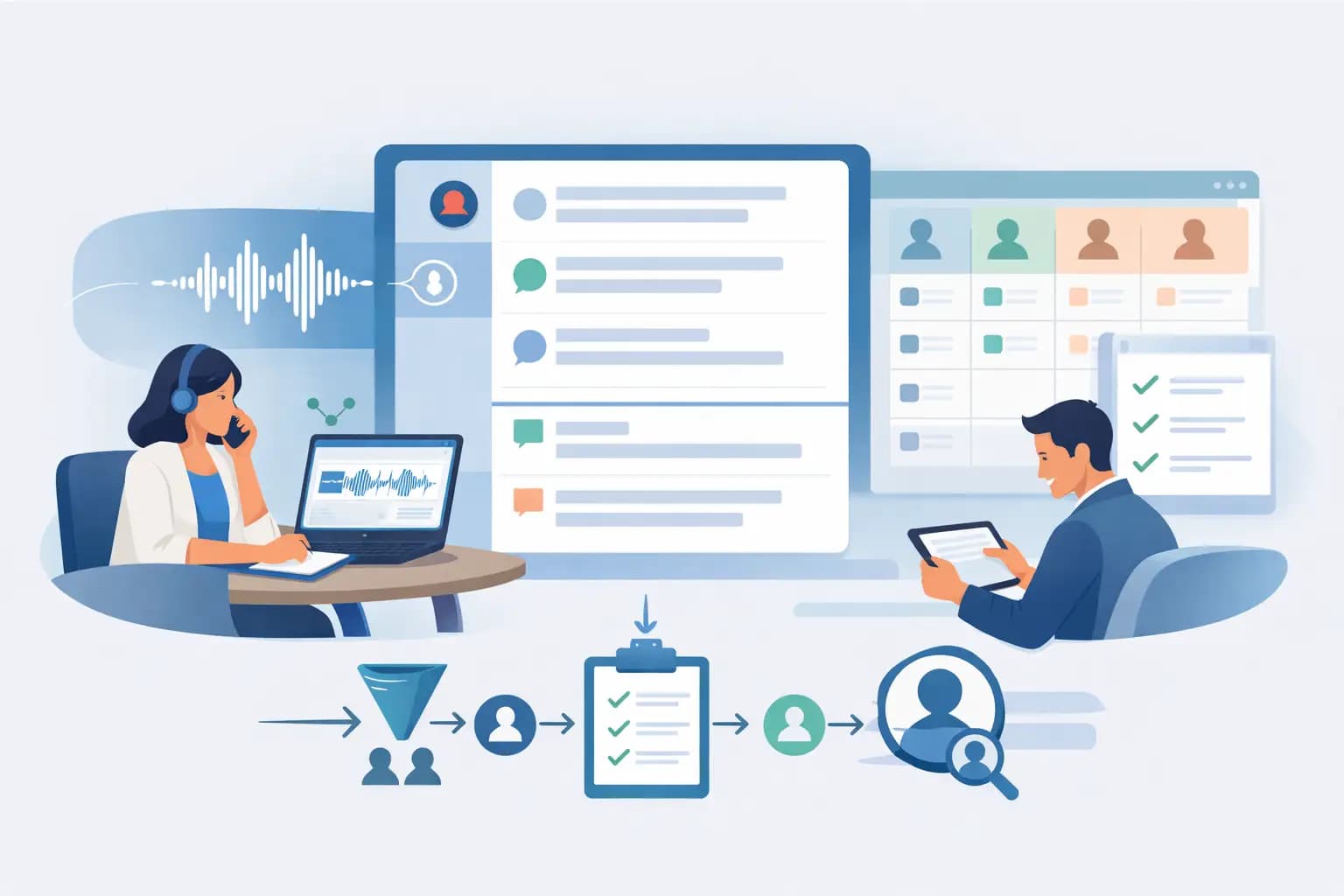
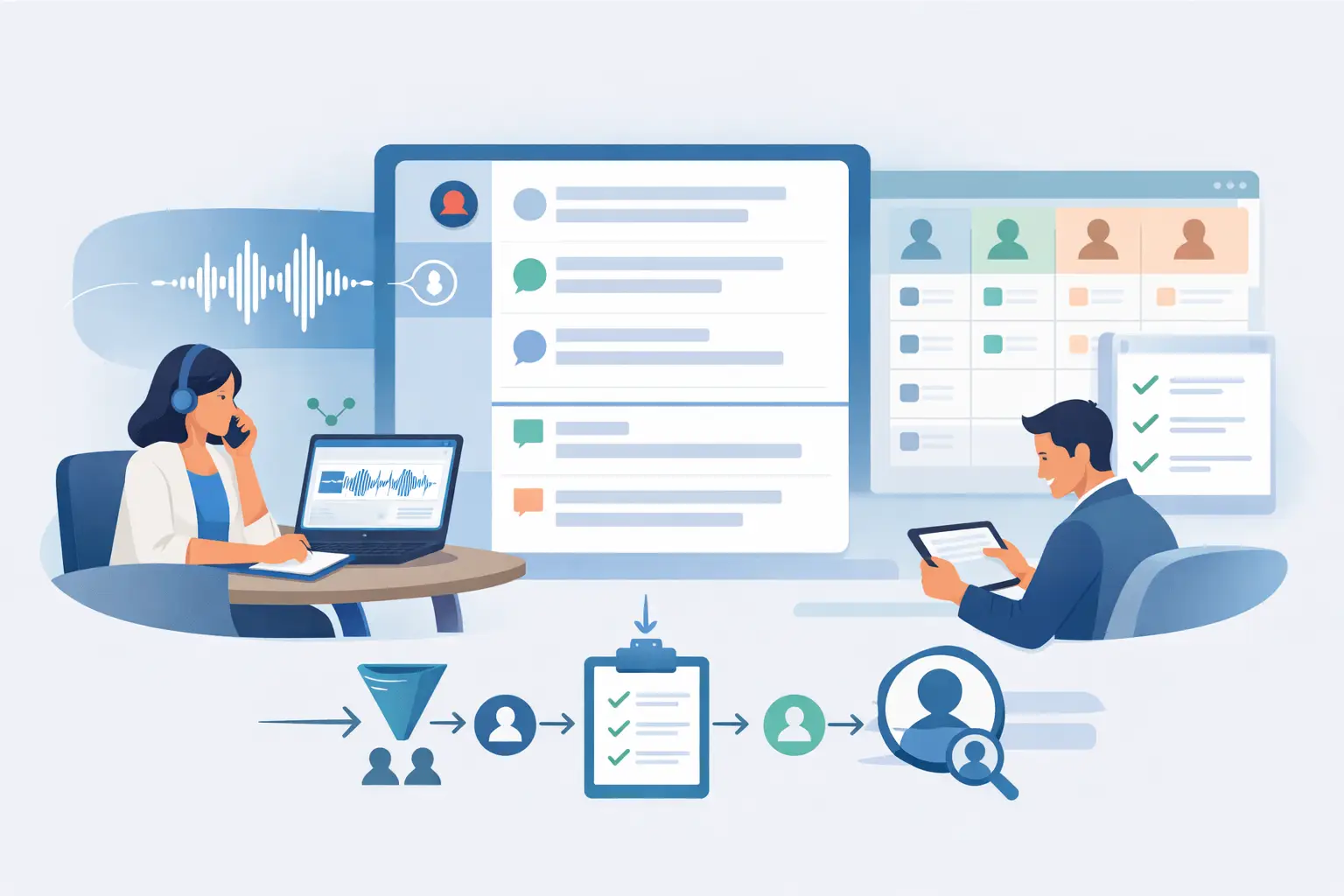
Transcript automation fixes part of that problem, but only when it is tied to a real workflow. A raw transcript alone does not help much. It still needs someone to read it, interpret it, decide what matters, and update the system properly. The real value comes when the call record is turned into structured outputs such as qualification fields, lead summaries, outcomes, objections, booking intent, review flags and recommended next steps.
What sales call transcript automation should actually do
At its most useful, sales call transcript automation does more than convert speech into text. It creates a reliable operational record of the conversation. That means capturing who answered, what they wanted, whether they were qualified, what concerns they raised, and what should happen next.
This matters most in teams where speed and consistency affect revenue. Real estate groups following up enquiry leads, mortgage businesses handling inbound interest, agencies running campaigns for clients, and appointment-based service teams all face the same issue. A rep may have 30 calls in a day, but the real bottleneck often sits in the admin after the call. If that admin is slow or patchy, pipeline quality suffers.
A strong setup usually includes the transcript, the recording, a short summary, structured field capture and an outcome assigned against clear rules. Instead of a note saying "good chat, follow up next week", you get something usable: interested but not ready, looking in three months, budget discussed, partner approval required, requested callback Tuesday afternoon. That level of detail supports action.
Why manual notes break down at scale
Most teams do not choose messy call records on purpose. It happens because people are moving quickly. They finish one conversation and jump to the next. They write shorthand only they understand, or they leave the CRM update until later and forget key details.
The result is not just untidy data. It creates operational drag. Managers cannot trust pipeline stages. Sales reps waste time re-asking questions. Service teams inherit poor context. If a lead re-engages after a few weeks, nobody is fully sure what happened last time.
There is also a quality issue. Two reps can hear the same call and write very different notes. One captures the objection. The other only records the broad outcome. One flags urgency. The other misses it. When your follow-up process relies on human memory and writing habits, consistency is hard to maintain.
Sales call transcript automation reduces that variability. It gives every call a record and makes post-call handling less dependent on individual note-taking discipline. That does not remove the need for human judgement, but it gives teams a more dependable starting point.
Where transcript automation delivers the most value
The biggest gains usually appear in lead-heavy workflows where phone calls happen early and often. Inbound enquiries are one example. When someone submits a form, calls the business, or responds to a campaign, the first conversation often decides whether that lead moves quickly or gets lost.
Reactivation campaigns are another strong fit. Old databases often contain warm leads with incomplete notes. If new calls are transcribed and summarised consistently, teams can work through dormant opportunities with much better visibility.
It also matters in qualification-heavy sales. If your process depends on budget, timing, readiness, location, service fit or booking intent, transcript automation helps capture those details without relying on a rep to remember every field. For operations managers, that means better reporting. For sales leaders, it means cleaner handover and clearer prioritisation.
The difference between transcripts and useful call data
This is where many teams get disappointed. They switch on transcription, see pages of text, and realise they still do not have what they need.
A transcript is evidence. Useful call data is interpretation. The transcript shows the conversation. Useful data identifies whether the lead is qualified, whether there is urgency, whether there is a buying signal, and whether a human should review the call before the next step is triggered.
That distinction matters because phone conversations are messy. People change topics, interrupt themselves, and speak indirectly. A customer might not say "I am ready to book" but they may ask about availability, payment timing and next steps in a way that strongly signals intent. If your automation cannot interpret those patterns within a controlled workflow, the transcript remains passive.
The better approach is to decide in advance what the system should capture. That might include status, intent, objections, service need, time frame, preferred callback window and escalation reason. When those outputs are defined clearly, transcript automation becomes operationally useful rather than just informative.
How to approach sales call transcript automation without losing control
The safest and most effective way to implement sales call transcript automation is to start with the workflow, not the technology. Ask what decisions happen after a call and what information is required to make them properly.
If a lead should be routed to a senior rep when they meet certain criteria, define those criteria first. If a booking should only be offered when key qualification points are confirmed, make that visible in the process. If some outcomes should trigger review rather than automatic progression, build that in from the start.
This is where controlled platforms stand apart from generic AI tools. A blank prompt may produce a summary, but it does not give you much consistency or auditability. Teams need to know what questions were asked, what fields were captured, how outcomes were assigned and where human review fits in.
DialoGrove's model is built around that practical control. Rather than treating transcript automation as a floating AI feature, it ties the call record to structured workflows, visible capture logic and post-call actions. That matters when teams want speed without turning follow-up into a black box.
Trade-offs to consider before rolling it out
Not every business needs the same level of automation. If call volumes are low and the sales process is simple, full workflow design may be more than you need at first. A clean transcript and summary might be enough. But once lead volume grows, the gaps show up quickly.
Accuracy is another area where context matters. Transcription quality can vary with accents, background noise, line quality and how people speak. That is why review options matter. Automation should make calls easier to process, not force teams to trust every output blindly.
There is also a balance between detail and usability. Capturing every possible data point sounds helpful, but too much complexity can slow decision-making. Most teams get better results by focusing on the fields that actually drive follow-up, routing and conversion.
Compliance and customer experience should stay in the frame as well. A well-run process includes clear guardrails, review points and do-not-contact controls. Good automation supports those controls. It should not encourage teams to cut corners.
What good looks like in practice
A useful setup leaves you with more than a transcript sitting in a record. After each call, the team should be able to see what happened, what matters and what comes next.
That usually means the transcript is paired with a concise summary, relevant field capture, a defined outcome and a next action. It may also include buying signals, objection tags, review queues and call recordings where needed. For a manager, that gives visibility. For a rep, it reduces admin. For the business, it creates a cleaner pipeline.
Most importantly, it helps teams act while the conversation is still fresh. Faster follow-up is valuable, but only if it is based on the right information. When transcript automation is structured properly, calls stop ending as isolated events and start feeding a process the business can trust.
The point is not to collect more words. It is to leave every call in a better state than it was before - clearer, easier to review, and ready for the next step.