Draft Mode AI Calling Without the Risk
How draft mode AI calling gives teams a safe environment to test workflows, inspect outputs, and review edge cases before any live call.
Most teams do not run into trouble with AI calling because the idea itself is bad. They run into trouble because the first live call becomes the test environment.
That is exactly where draft mode AI calling matters. If your business relies on phone conversations to qualify leads, book appointments, follow up enquiries or reactivate old opportunities, you need a safe place to check what the agent will say, what it will capture and what happens next before any real customer hears it.
For sales and service teams, this is not a nice extra. It is basic operational discipline. A calling workflow should be reviewed the same way you would review an email sequence, a form, a sales script or a CRM automation. The difference is that a phone conversation can go off track faster, and the cost of a poor interaction is usually higher.
What draft mode AI calling actually does
Draft mode AI calling is a pre-live testing layer for AI voice workflows. Instead of sending an agent straight into production, teams can review the call logic, test conversation paths, inspect captured fields and check how outcomes are assigned.
That sounds simple, but it solves a real operational problem.
Many businesses are not struggling because they lack leads. They are struggling because follow-up is inconsistent. One rep asks the right questions, another skips them. One callback gets a clear next action, another ends with vague notes like "not interested" or "call later". AI calling only improves that situation when the workflow behind it is structured, tested and aligned to the way the team actually works.
A draft environment gives you room to check that structure before launch. You can see whether the agent asks the right qualifying questions, whether responses map to the correct outcome, and whether edge cases are handled sensibly. If a lead says they already spoke to someone, asks for a different time, gives incomplete information or pushes back on the reason for the call, the workflow should not guess. It should respond within clear rules.
Why going live too early causes problems
The biggest risk with AI voice is not usually the voice itself. It is the workflow design behind the voice.
If the call objective is fuzzy, the prompts are loose, or the post-call actions are unclear, the result is noise at scale.
That can show up in a few ways. Leads may be marked incorrectly. Sales teams may receive weak summaries. Service teams may be left with transcripts but no usable next step. Managers may not know whether the agent followed the intended process or drifted from it.
This is where draft mode AI calling earns its place. It lets you catch bad logic before it becomes a pipeline problem.
You are not just asking, "Can the agent hold a conversation?"
You are asking, "Does this call produce something useful for the business?"
That distinction matters. A pleasant conversation with no reliable outcome is still operationally weak.
Draft mode AI calling is really about control
For teams working across inbound leads, reactivation lists, appointment requests or post-enquiry follow-up, control matters more than novelty.
You need to know what the agent is allowed to say, what it should never say, when it should route to a human and which records need review.
A proper draft mode makes that visible. You can inspect the questions, branching logic, captured fields and outcome labels before launch. You can test whether the workflow supports your actual process rather than forcing your process to fit a generic bot.
That is especially useful when multiple people need confidence in the setup.
A sales manager wants qualification consistency. An operations lead wants clean data. A business owner wants no surprises. Draft testing gives all three a clearer view of what will happen once calls begin.
It also creates a better standard for sign-off. Instead of relying on "it should work", teams can review examples, check outputs and make changes while the workflow is still contained.
What to test before any live rollout
The most useful draft testing is not about trying to break the system with clever trick questions. It is about testing the real scenarios your team deals with every week.
Start with the opening. Does the introduction sound natural for your brand and your audience? In sectors like property, finance and appointment-based services, the first ten seconds matter. If the opener is too vague, the lead may disengage. If it is too forceful, the call can feel wrong before the conversation has properly started.
Then check the qualification path. Are the questions asked in the right order? Are they short enough to work over the phone? Are required fields actually being captured in a structured way rather than buried somewhere in a transcript?
After that, test the messy middle of the conversation. What happens if the lead is busy, unsure, partially qualified, already speaking with someone, or asks to be contacted later? Good workflows do not assume every lead will move neatly from hello to booked appointment. They account for hesitation, incomplete answers, objections and handover moments.
This is where a browser-based preview makes a real difference. DialoGrove lets teams speak with a configured agent directly through the web browser before making it live. That means you can test common scenarios, awkward edge cases, voice quality, pauses, tone, script flow, responses and handoff behaviour without placing a real phone call. The same preview remains available even after the agent has gone live, so teams can keep testing changes, training new users and reviewing new scenarios without using call credits or adding cost.
Finally, inspect the outputs. A draft call should show you what the team gets afterwards: transcript, summary, captured fields, buying signals, disposition and next action. If the output is unclear, the problem is not solved. The purpose of the call is not just to talk. It is to move a record into the right operational state.
Where draft mode helps most in real businesses
The value is easiest to see in lead-heavy environments where follow-up quality varies by person, time of day or workload.
A real estate office working through valuation requests, a mortgage team following up web enquiries, or a service business recontacting old leads all face the same basic issue: someone needs to call quickly, ask the right questions and leave a clean record behind.
In those settings, draft mode is useful because the workflow often needs tailoring.
One business may want to prioritise appointment intent. Another may care more about location, timeframe, current provider status or reason for enquiry. A generic call flow will miss those details. A drafted and tested one is far more likely to support the actual sales process.
It also helps when teams want human oversight built in. Not every outcome should be automatic. Some calls deserve review, especially when the lead gives mixed signals, asks for something outside the standard path, or raises a sensitive question. Draft testing helps define where those review points belong.
The trade-off: speed versus confidence
There is always pressure to launch quickly. If leads are sitting untouched, waiting longer to test a workflow can feel frustrating. But going live with a poorly checked setup often creates more work later.
That does not mean teams should over-engineer every call path. There is a point where endless testing becomes its own delay.
The practical approach is to draft the workflow around a clear use case, test the common scenarios, review the outputs and then release with oversight.
In other words, speed still matters. It just matters alongside confidence. The best setups are not the ones with the longest planning cycle. They are the ones that can be tested, understood and adjusted without guesswork.
What good draft testing looks like
Good draft testing is specific. It is tied to an actual customer journey such as inbound qualification, buyer reactivation, appointment booking or post-inspection follow-up. It uses clear outcomes instead of vague success measures. And it gives teams a way to review calls before they affect live operations.
This is one reason structured platforms tend to work better than blank-prompt experiments. When the workflow is built around defined fields, outcomes, review queues and next actions, draft mode becomes genuinely useful.
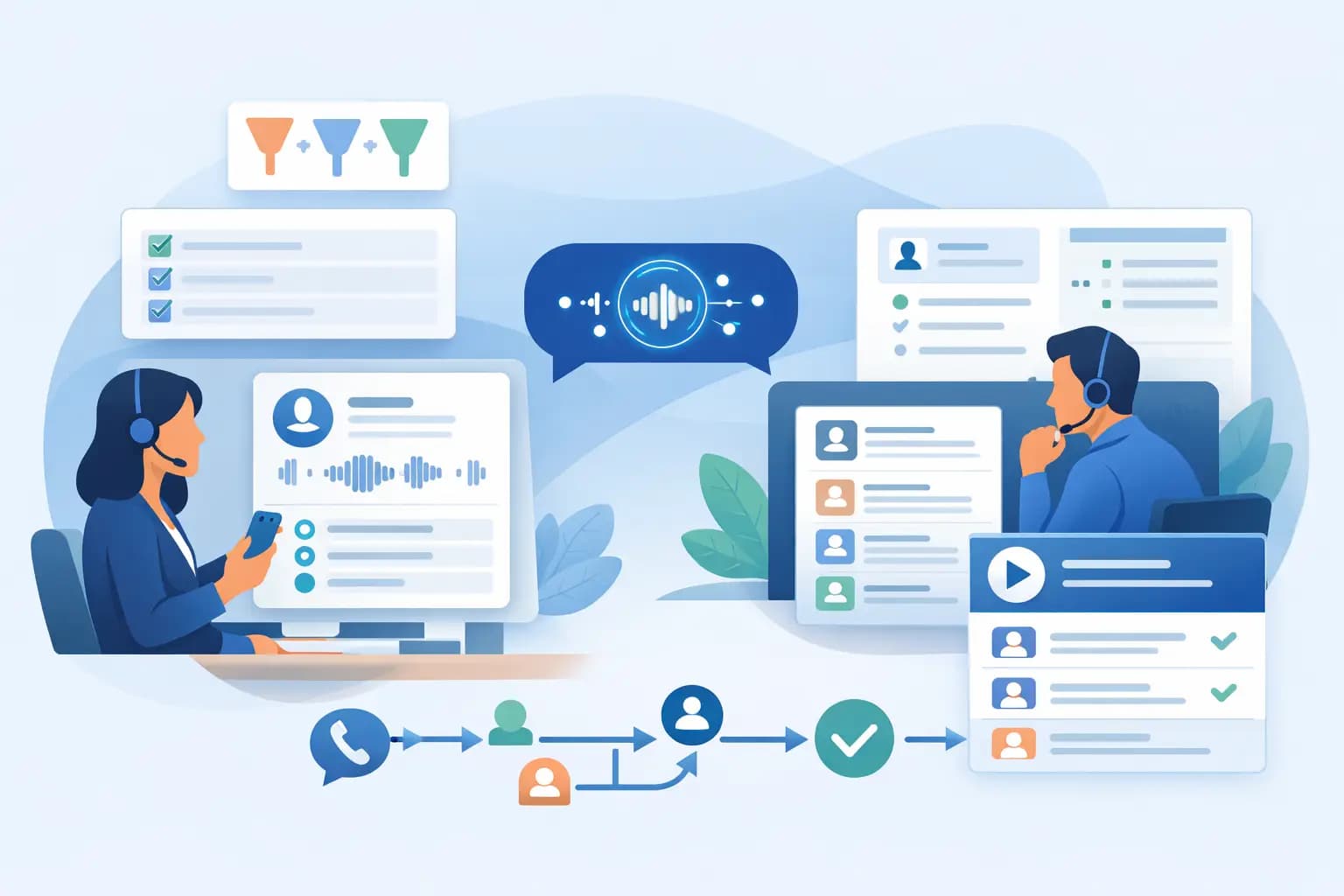
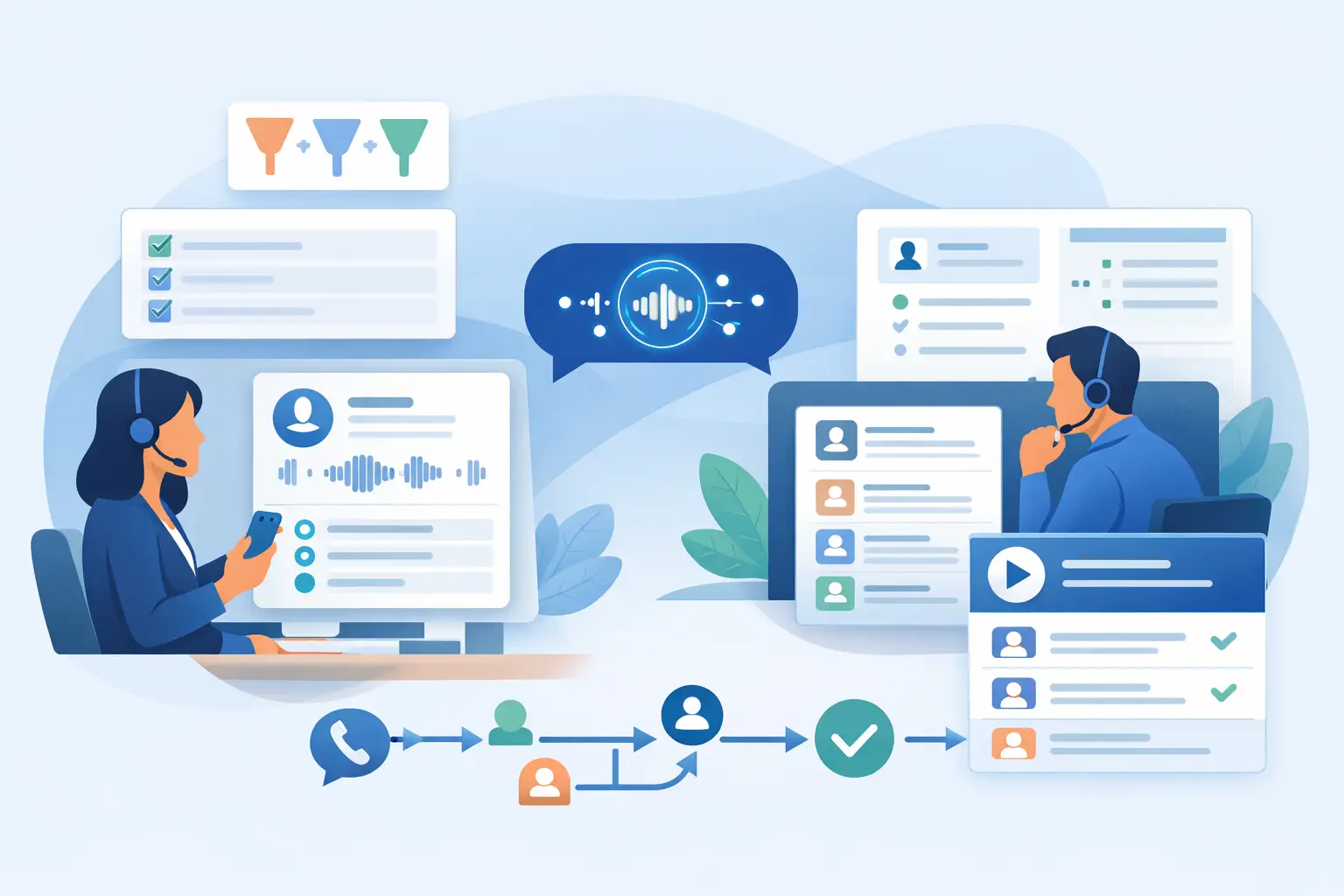
You are not just testing language. You are testing the whole operational flow from call start to follow-up task.
For businesses that want AI calling without losing visibility, that matters a great deal. DialoGrove leans into draft testing because it supports a more controlled rollout. Teams can inspect what the agent will ask, test how it responds, review what it captures and decide when a human should step in, rather than treating live calls as a black box.
Draft mode is not caution for its own sake
Some teams hear "draft mode" and assume it is just a slower path to deployment. In practice, it is the opposite. It reduces avoidable errors, shortens the feedback loop and makes launch decisions easier because the workflow is already visible.
That matters most when phone calls are tied directly to revenue or service quality. If your team lives in the gap between enquiry and action, you cannot afford unclear scripts, messy outputs or uncertain handovers. The more important the call, the more valuable the draft stage becomes.
AI voice works best when it is designed around outcomes, not novelty. Draft mode AI calling is one of the clearest signs that a platform is built for real operations rather than blind automation.
If you want faster follow-up without giving up control, test first, then launch with confidence.